StudioPOD Features
One platform. The whole product workflow.
Create products, build customer experiences, manage orders, prepare production, and connect the facilities that make it happen.
Join Beta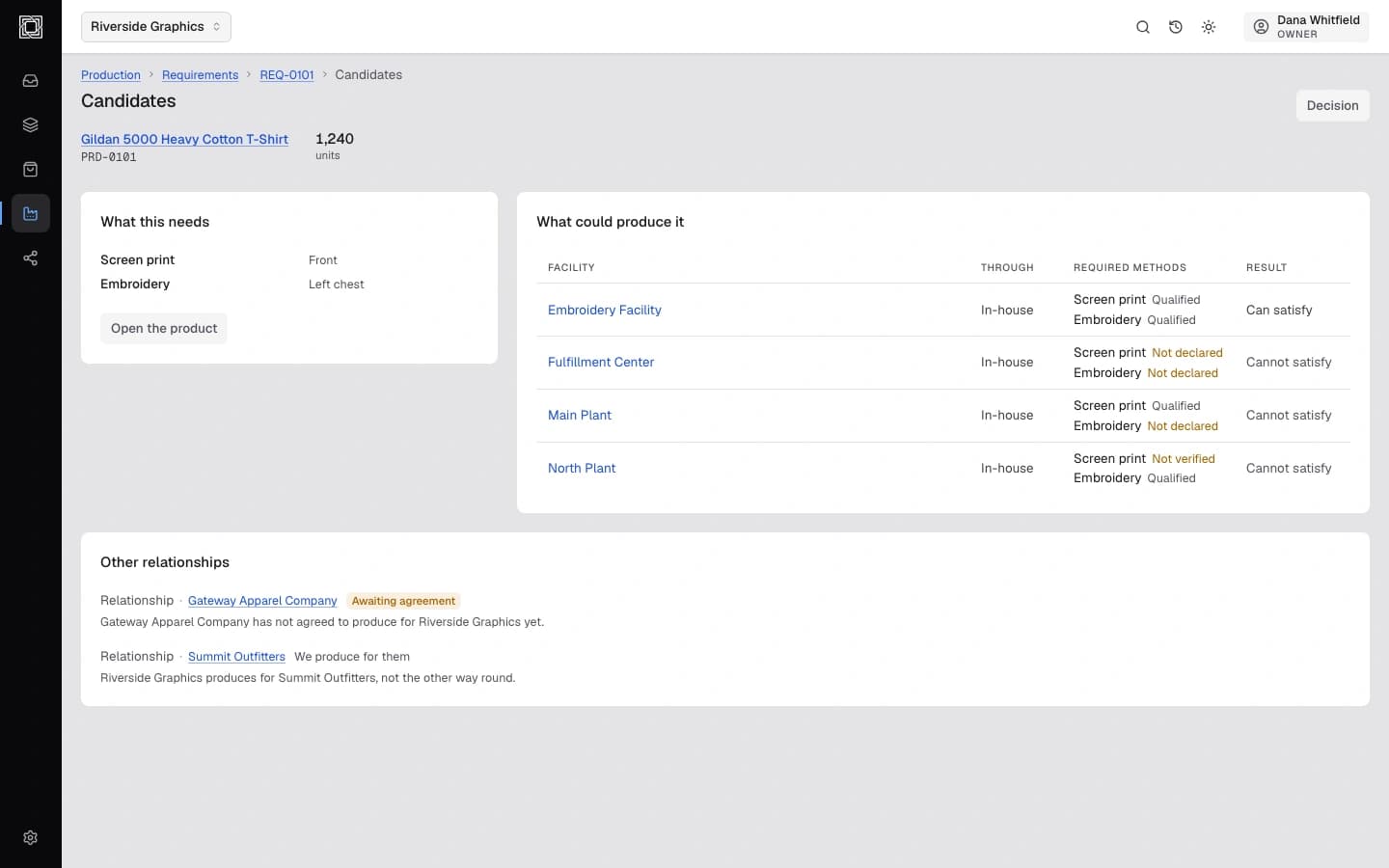
The Connected Product
Define it once. Carry it through the operation.
A product should not have to be rebuilt every time it moves between design, selling, ordering, and production. StudioPOD keeps the defining information around the product connected as work moves through the system.
- Create
- Products
- Sell
- Orders
- Produce
- Facilities
- Connect
- Operate
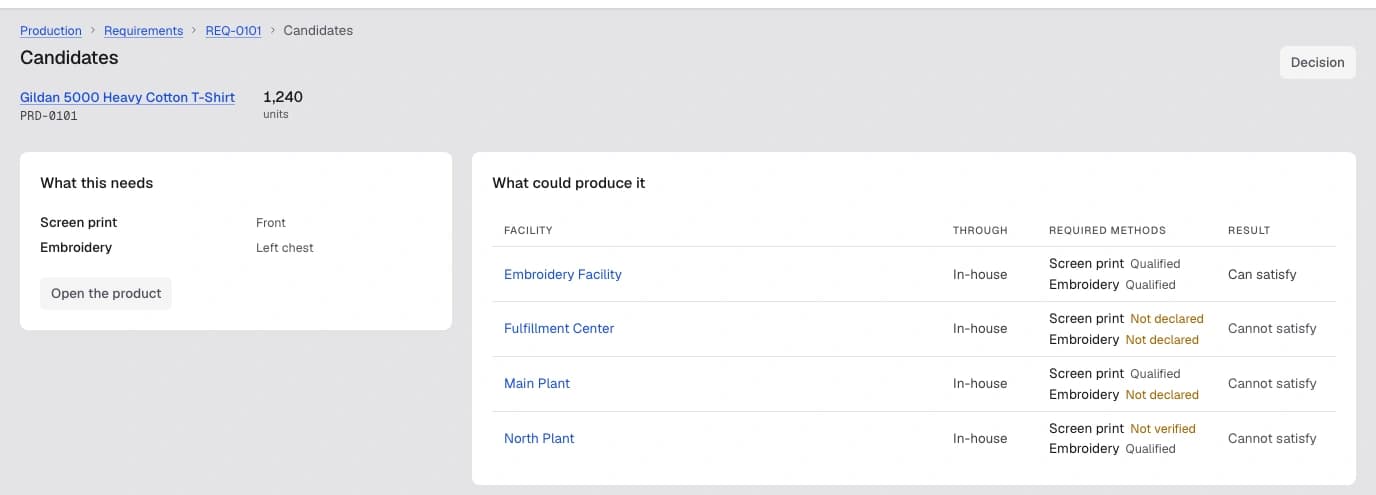
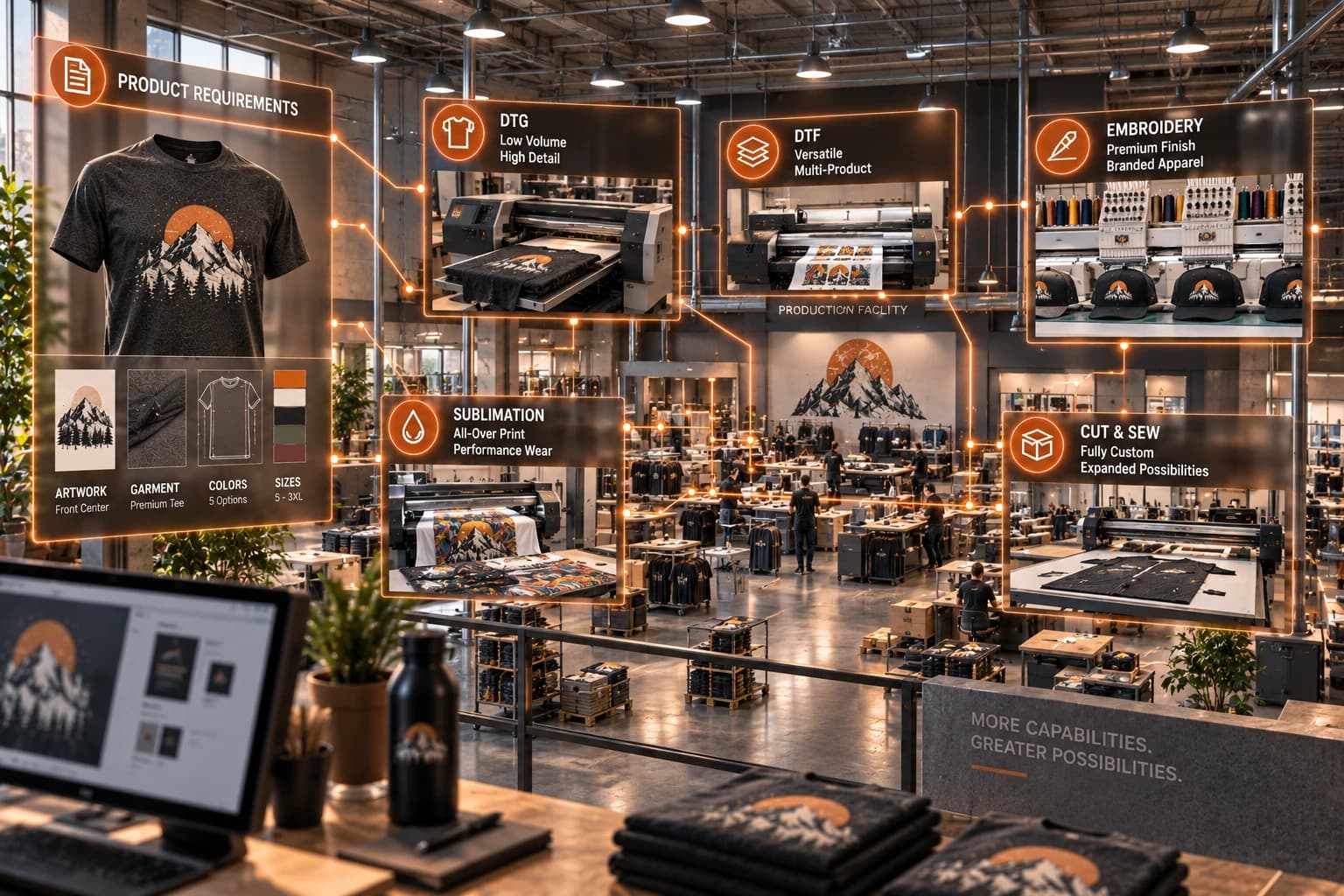
Know what can make it.
The same product a customer buys, checked against every facility’s declared capabilities before work is assigned.
Create
Design the actual thing.
Create artwork in the context of the product it belongs to. Work with real decoration surfaces, placement boundaries, dimensions, imagery, typography, vectors, and production constraints from the start.
- Product-Aware Canvas
- Infinite Canvas
- Product Surfaces
- Decoration Areas
Precision Placement · Images & Assets · Typography · Curved Text · Shapes & Vectors

Products
Define it once. Use it everywhere.
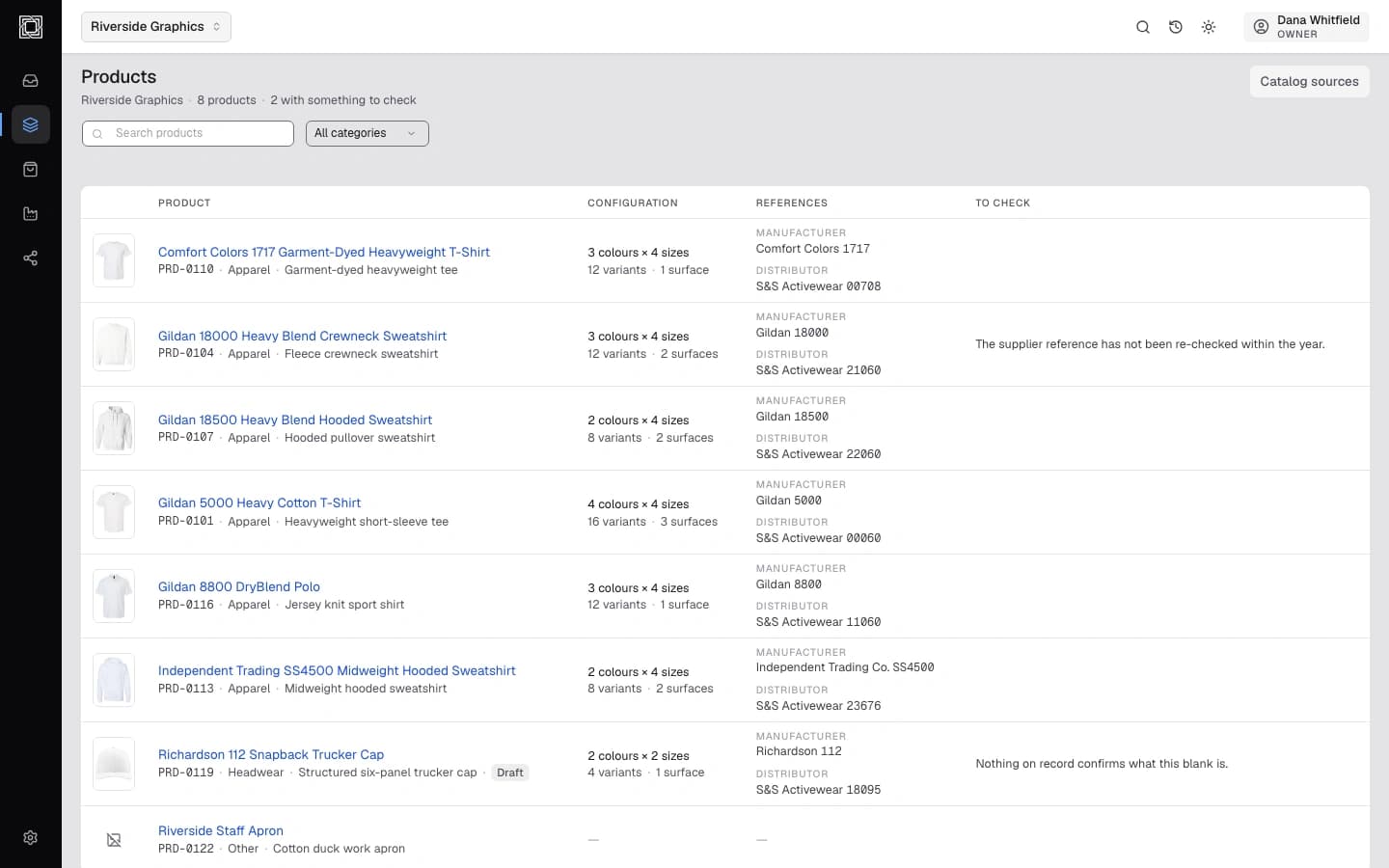
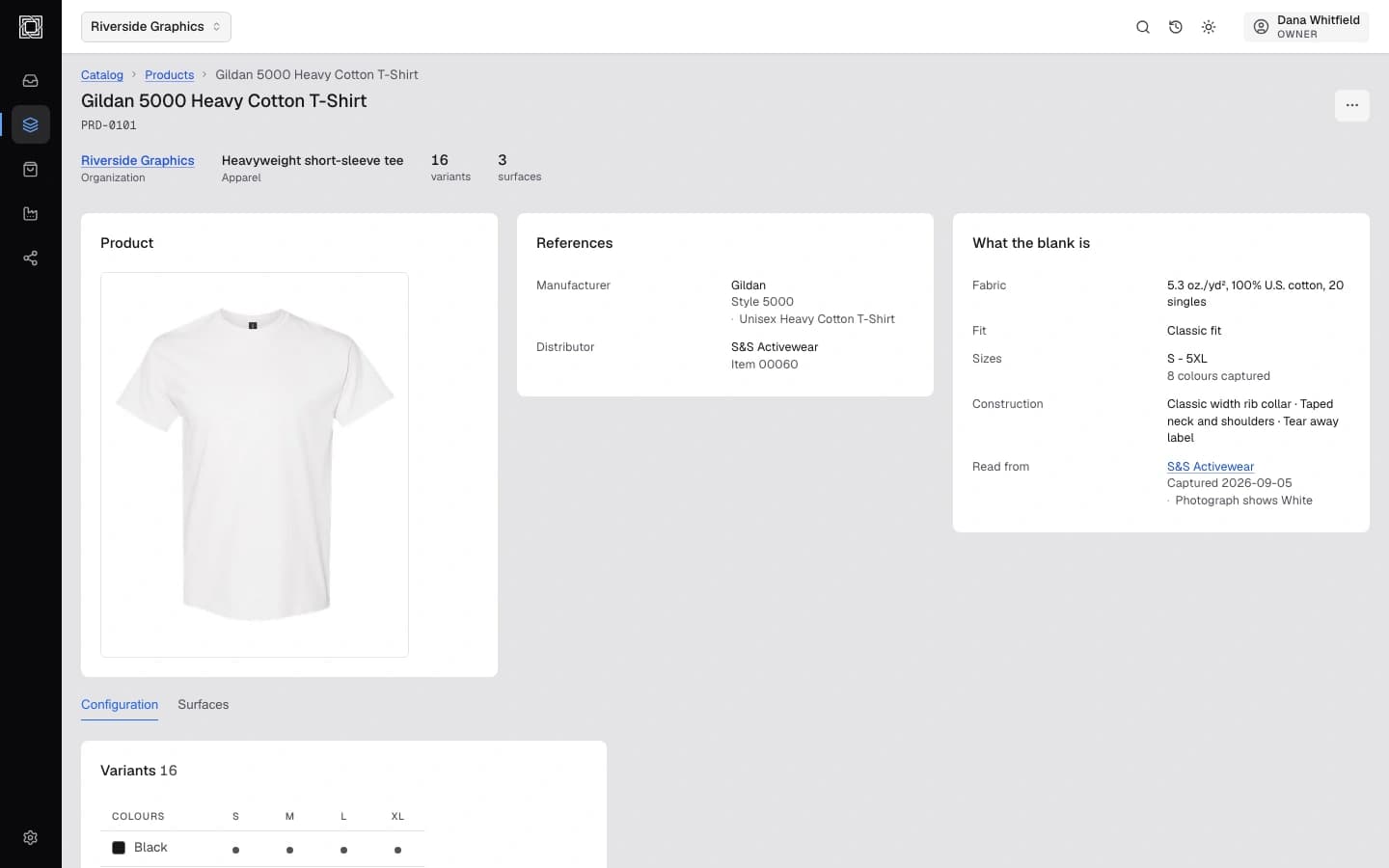
One product record carries its structured definition, from what a customer sees to what production needs, wherever that product is used next.
- Connected Product Record
- Product Variants
- Colors & Sizes
- Surface Dimensions
Decoration Methods · Artwork Association · Production Requirements · Reusable Products

Sell
One product. Multiple ways to sell it.
The same product definition supports a quick quote, a full catalog, a complete branded storefront, or a store built for one customer, without redefining the product for each one.
- Product Configuration
- Customer Customization
- Catalogs
- Quotes
Product Publishing · Branded Experiences

Orders
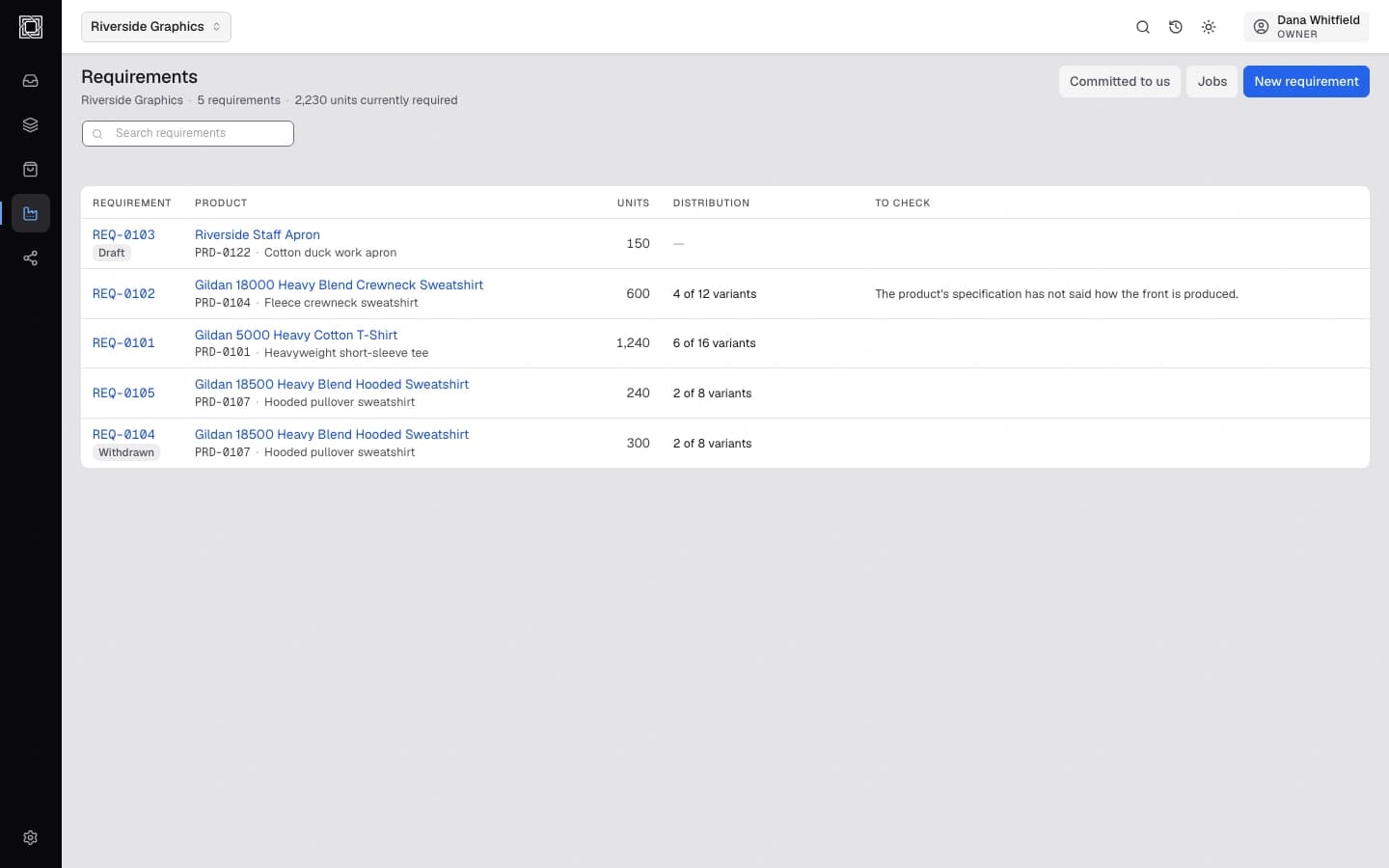
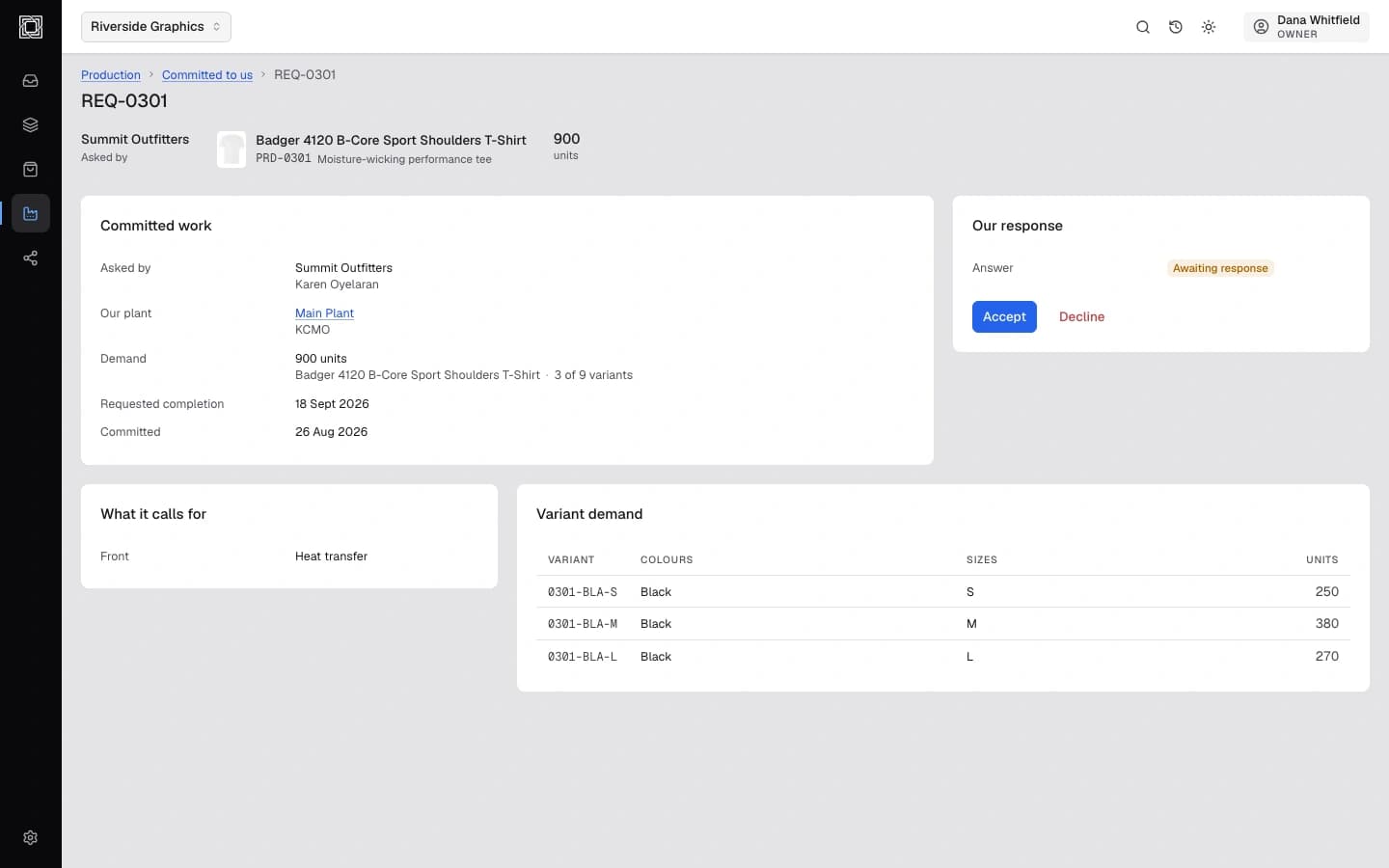
Keep the order connected to what has to be made.
An order stays attached to the product it was placed against, so the units, colors, sizes, and artwork a customer committed to are exactly what production sees.
- Connected Orders
- Order Artwork
- Line Items
- Order Status
Facility Assignment · Order Production Requirements
Produce
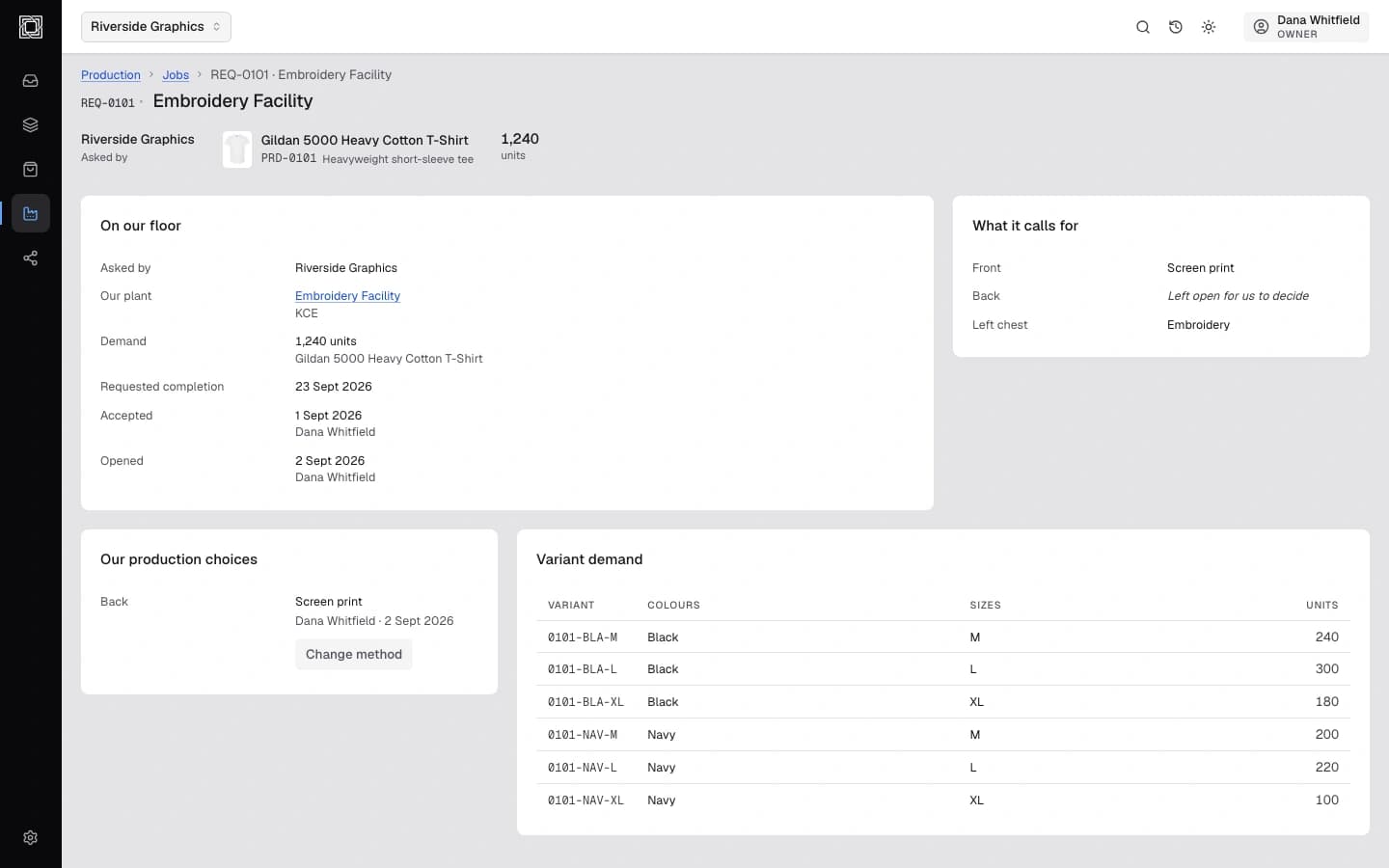
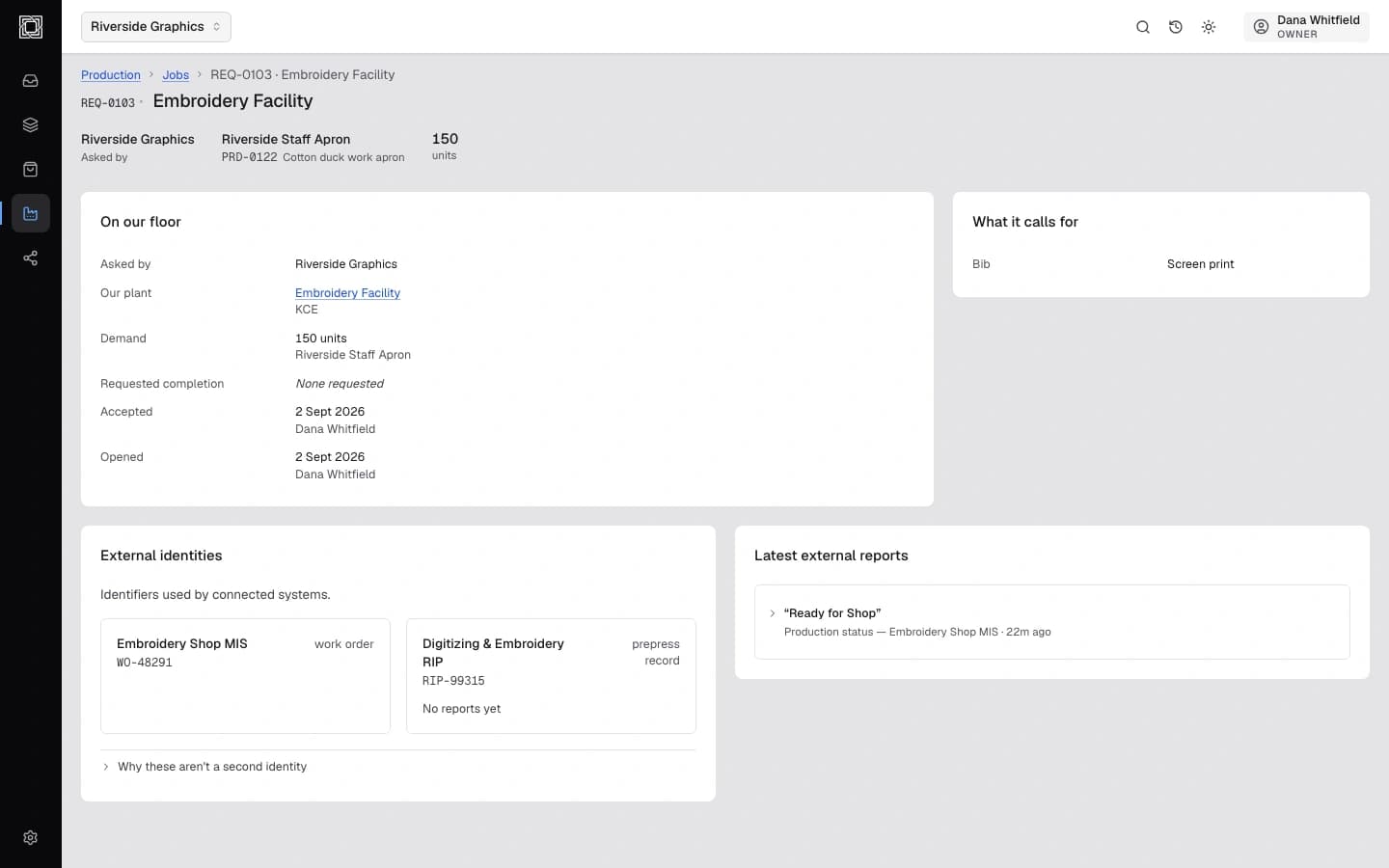
Turn product intent into production-ready work.
An approved product carries its placement, measurements, and decoration specification into a job a facility can actually run, tracked from acceptance through finished goods.
- Production-Ready Product
- Artwork Placement
- Exact Measurements
- Decoration Specifications
Job Preparation · Production Files · Production Status

Facilities
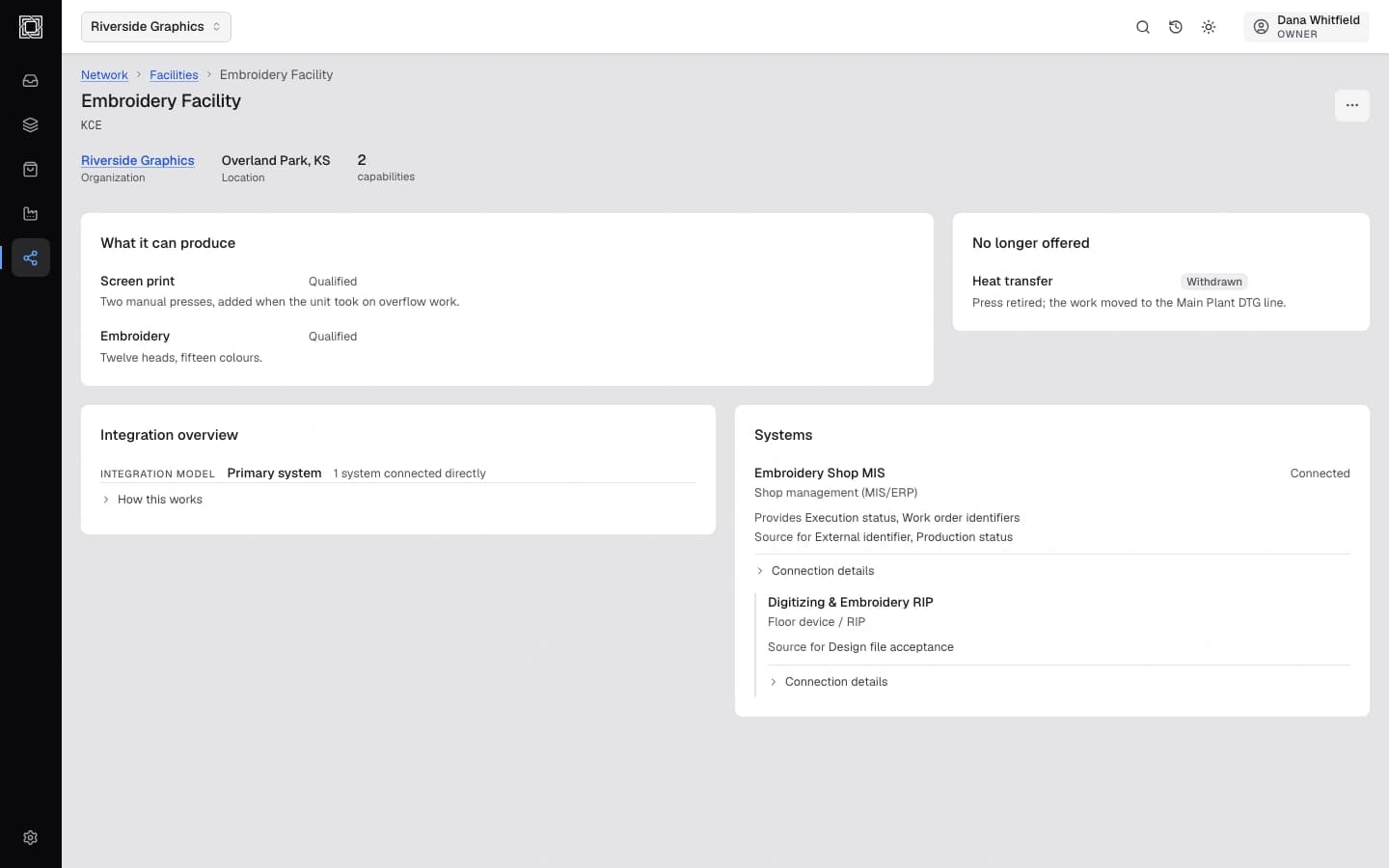
Model what your operation can actually make.
Every facility declares what it can produce, so a product's requirements can be checked against real, current capability before work is ever assigned.
- Facility Capabilities
- Product Compatibility
- Production Methods
- Operational Status
Multiple Facilities
Connect
Connect the systems around the product.
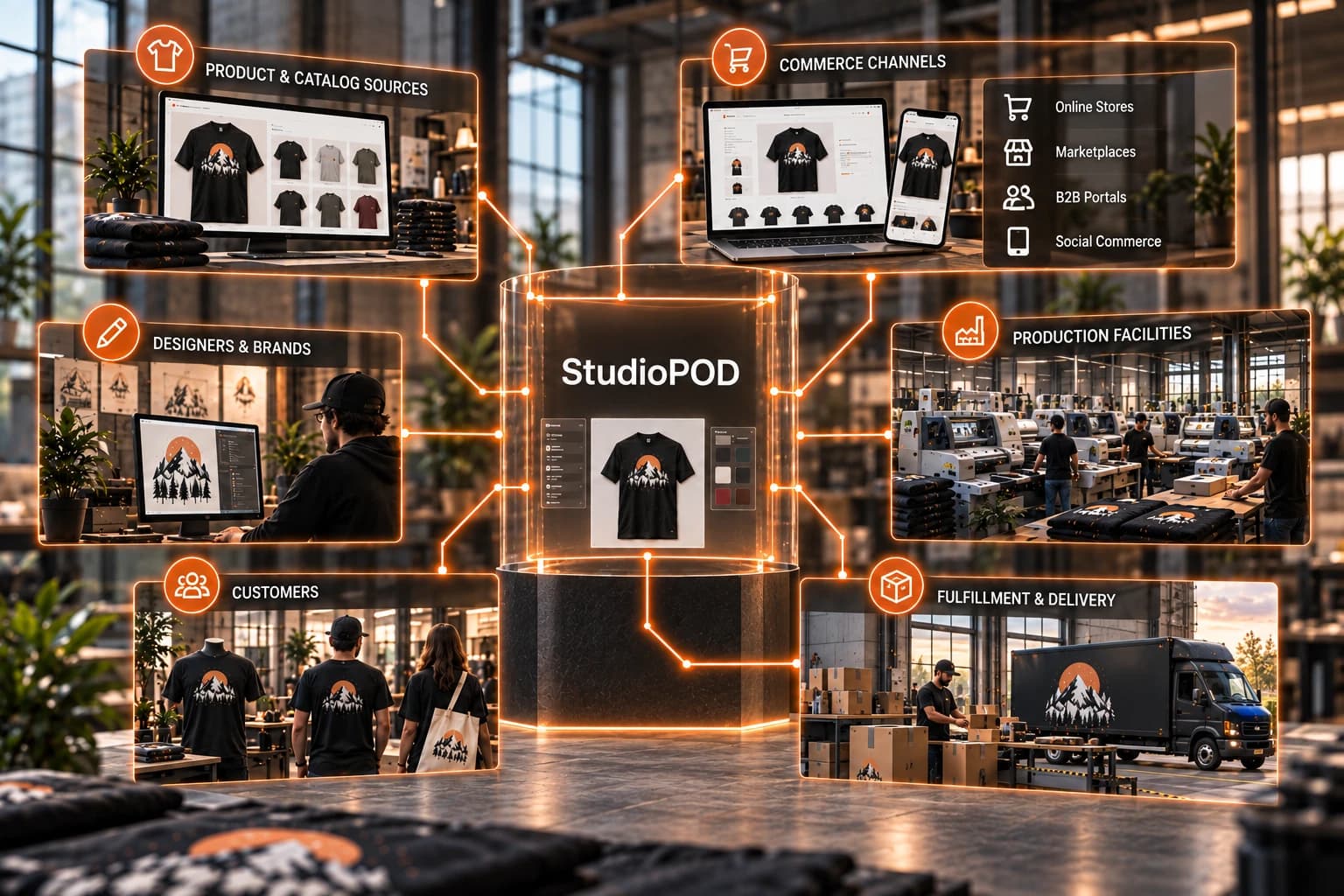
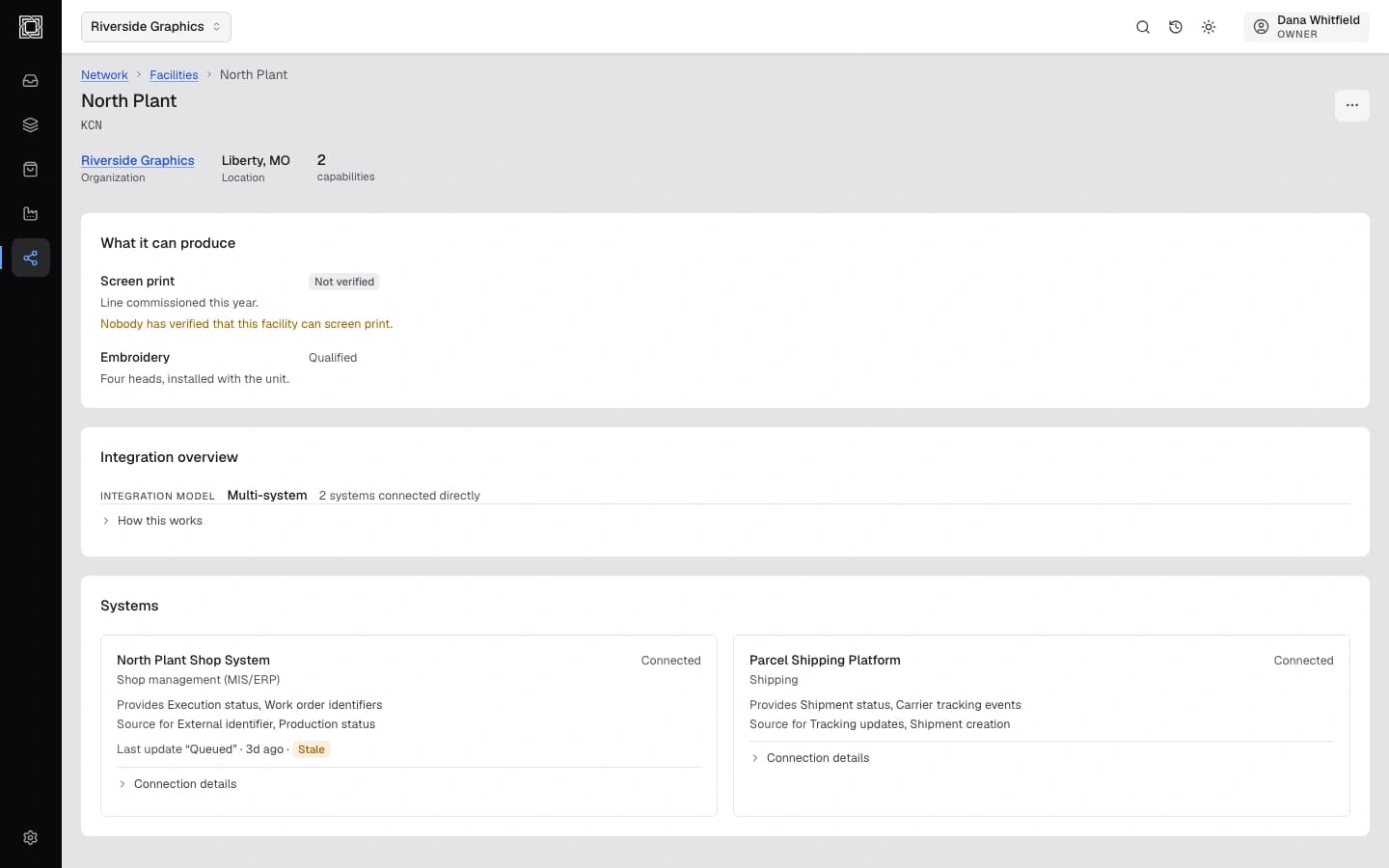
StudioPOD sits between where products and designs come from, where customers buy, and where facilities produce, modeling the real systems and connections on each side rather than treating the product as an island.
- POD Providers
- Product Catalogs
- Commerce Connections
- Production Connections
External Systems
Operate
Control the system behind the workflow.
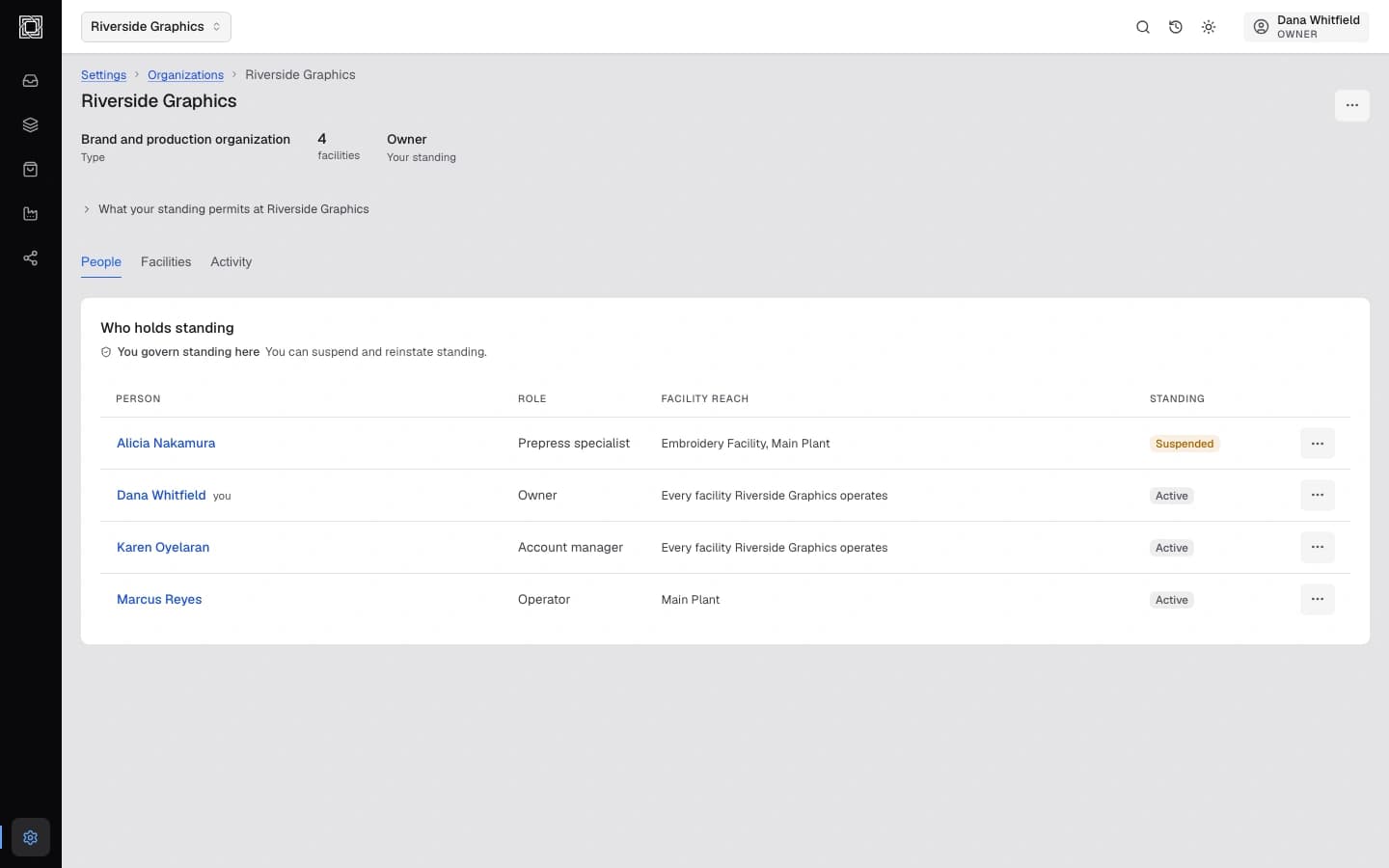
Teams, roles, facilities, and the systems they connect to are all managed in one place, so the people and permissions behind the workflow stay as governed as the product itself.
- Teams & Users
- Roles & Permissions
- Facility Management
- Product Governance
Integration Management · Platform Configuration
Every capability
Explore what StudioPOD covers.
50 capabilities shown.
Create
Product-Aware Canvas
Design directly on the product it belongs to, not a blank rectangle.
Infinite Canvas
Work across every angle and surface of a product without losing your place.
Product Surfaces
Front, back, sleeve, and every other decorable surface, defined on the product itself.
Decoration Areas
Placement boundaries that match what a facility can actually print or stitch.
Precision Placement
Position artwork against exact measurements, not by eye.
Images & Assets
Bring in, crop, and replace imagery without leaving the product context.
Typography
Real type tools, sized and kerned for decoration, not a caption overlay.
Curved Text
Wrap type around a logo, seam, or product curve.
Shapes & Vectors
Vector shapes and effects built for decoration, not general graphic design.
Products
Connected Product Record
One record a product keeps as it moves from design to production.
Product Variants
Every color and size combination tracked against the same definition.
Colors & Sizes
Structured options, not free-text labels.
Surface Dimensions
Exact measurements recorded for every decorable surface.
Decoration Methods
The methods a product supports, tied to what facilities can produce.
Artwork Association
Approved artwork attached directly to the product it belongs to.
Production Requirements
What a product needs before it can be made, defined once and kept current.
Reusable Products
Define a product once and use it across every order that needs it.
Sell
Product Configuration
Customers choose within limits the product's own definition sets.
Catalogs
Group and present products for a market or account.
Quotes
Price and confirm work before a full order is placed.
Product Publishing
Control which products are visible, and to whom.
Branded Experiences
Present products under a customer's or reseller's own brand.
Orders
Connected Orders
Orders stay tied to the product record they were placed against.
Order Artwork
The exact artwork approved for an order, not a redrawn copy.
Line Items
Each ordered variant tracked individually within an order.
Order Status
Where an order stands, from placed through fulfilled.
Facility Assignment
Route an order's production to a specific facility.
Order Production Requirements
What a specific order needs made, resolved from the product it's for.
Produce
Production-Ready Product
A product carrying everything a facility needs to begin work.
Artwork Placement
Exact artwork position carried into the production file.
Exact Measurements
Real dimensions, not estimates, on every production file.
Decoration Specifications
Method, colors, and finish specified for production.
Job Preparation
Turn an accepted order into a job a facility can run, with files attached.
Production Status
Track a job from accepted through finished.
Facilities
Facility Capabilities
What a facility can actually produce, recorded and kept current.
Product Compatibility
Match a product's requirements against what a facility can do.
Production Methods
Screen print, embroidery, DTG, DTF, sublimation, cut and sew, and more.
Operational Status
Whether a capability is qualified, unverified, or withdrawn.
Multiple Facilities
Model more than one production location under one operation.
Connect
POD Providers
Connect production capacity from partner facilities.
Product Catalogs
Bring external product and blank data into the system.
Commerce Connections
Connect the storefronts and channels products sell through.
Production Connections
Connect shop-floor and production systems to real orders.
External Systems
Model the systems around a facility and what each one provides.
Operate
Teams & Users
People, invited and assigned across the organization.
Roles & Permissions
Control what each person can see and do.
Facility Management
Add, configure, and govern every facility in the network.
Product Governance
Control who can create, edit, and publish products.
Integration Management
Manage the connected systems a facility or account relies on.
Platform Configuration
Organization-level settings that govern the whole account.
Put StudioPOD to work in your operation.
We’re building StudioPOD with production facilities, sellers, and teams that need a better way to move products from idea to production.
Join Beta